
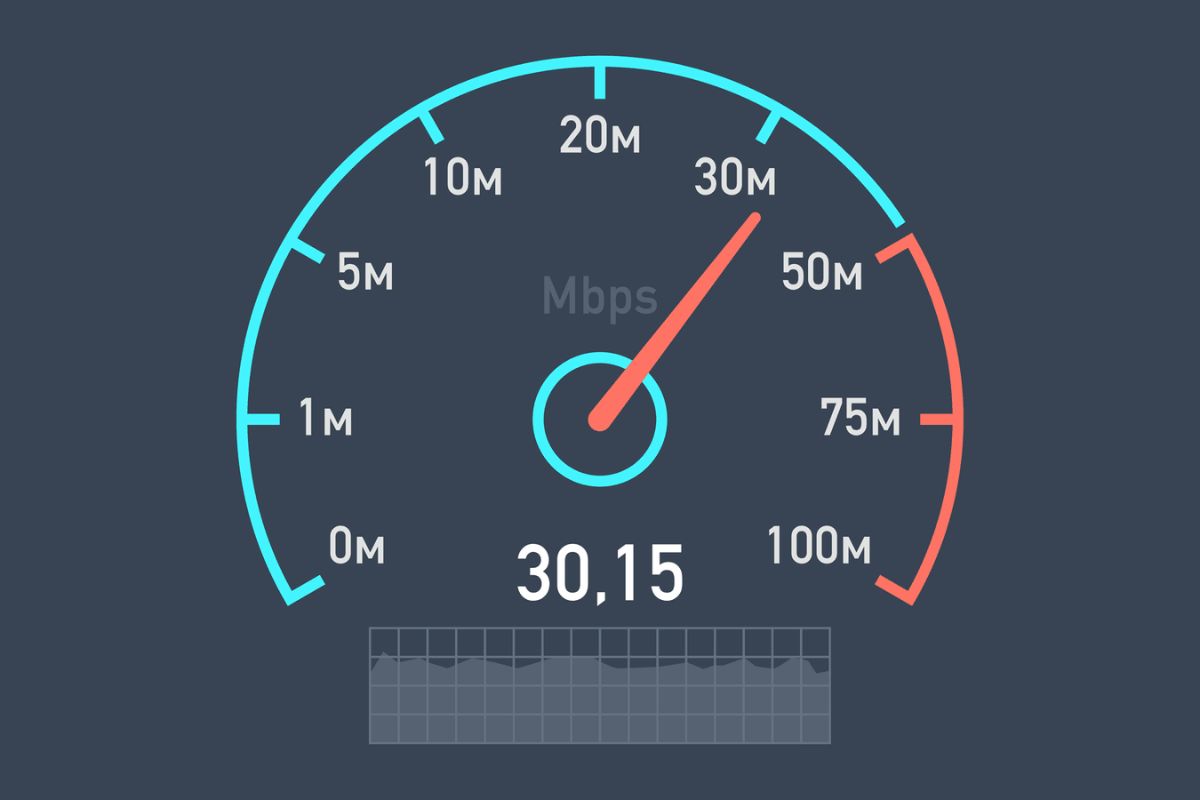
While making calls over the internet, have you ever wondered why your video calls keep getting disconnected and going intermittently? Knowing your internet speed can save you from many problems. Whether it is watching a movie, making a call, or playing online games, you should know your internet speed. This will let you know whether the internet you have installed is providing the required speed or not. In this article, I will tell you how to test your internet speed, how to check its results, and how to avoid mistakes. Read this article till the end so that you do not have to face internet speed problems again.
What Internet Speed Really Means
Internet speed is essentially how fast data moves between your device and the internet. Three main metrics matter:
- Download speed: How quickly data reaches your device. Important for streaming videos, downloading files, or browsing.
- Upload speed: How fast your device sends data. Crucial for video calls, uploading photos, or sending large files.
- Latency (ping): The time it takes for a signal to travel to a server and back. Low latency is vital for gaming and video chats.
Speeds are usually measured in megabits per second (Mbps). Faster speeds mean smoother online experiences. For more details on speed definitions, you can check HighSpeedInternet’s guide.
Step-by-Step Guide to Testing Your Internet Speed Online
1. Choose a Reliable Speed Checker
Free speed tests are available online. Popular options include:
- Speedtest by Ookla — widely trusted for accurate results
- Fast.com — simple interface, quick results
Alternative sites may show detailed metrics like connection stability or server location.
2. Prepare Your Network
For accurate results:
- Pause downloads or uploads on all devices
- Stop streaming or gaming on other devices
- Close apps or browser tabs that use the internet
3. Run the Speed Test
- Open the chosen speed test site
- Click “Start” or “Go”
- Wait for download, upload, and latency results
4. Record Your Results
- Note the numbers for comparison later
- Run tests at different times of day to check for fluctuations
How to Read Your Speed Test Results
Download Speed
- 10–25 Mbps: Basic browsing
- 50–100 Mbps: HD streaming on multiple devices
- 100+ Mbps: Heavy streaming, gaming, multiple users
Upload Speed
Important for video calls and uploading content. Residential plans often have lower upload than download speeds.
Latency (Ping)
- Under 50 ms: Very responsive
- 50–100 ms: Acceptable for most tasks
- Over 100 ms: May cause noticeable lag in gaming or calls
Common Misunderstandings
- Single test isn’t the full picture: Speeds fluctuate throughout the day
- Different tools may show different numbers: Methodology and server location affect results
- Wi-Fi can reduce accuracy: Distance, walls, and interference matter
- Device performance matters: Older devices may not reach full speeds
Real-Life Examples
- Streaming HD video: Needs higher download speeds to avoid buffering
- Video calls: Upload speed and ping affect quality
- Gaming: Low latency is crucial even if download speed is high
Tips for Accurate Results
- Test at different times of the day
- Disconnect other devices during testing
- Use wired connection for best accuracy
- Restart router if necessary
- Compare results across multiple tools
For more helpful guides on improving internet performance, see Dailynewarticle.com.
What to Do if Your Speed Is Low
- Test multiple devices to confirm issue
- Use a wired connection for accuracy
- Contact your ISP with results
- Restart router/modem
- Consider upgrading plan or hardware if needed
Conclusion
Checking your internet speed online is quick, easy, and can save frustration. Knowing how to run tests, interpret results, and identify issues helps ensure your network performs as needed. With regular checks, you can troubleshoot problems, optimize your connection, and enjoy smoother streaming, work calls, and gaming.
FAQs
1. How fast is my internet supposed to be?
Check your plan details from your ISP. Most home plans range from 50–100 Mbps download for typical use.
2. Can I trust every speed test result?
Not always. Results vary with servers, time of day, and network activity.
3. Should I test over Wi-Fi or wired?
Wired gives more accurate speed; Wi-Fi shows your typical home experience.
4. How often should I test?
Monthly or when experiencing slow performance. Also test at different times to spot patterns.